
■ For those who use Soft Title Brain, the application software for Title Brain
- If the CD-ROM version included with the product is earlier than 1.40, please download and use version 1.40, which is also compatible with Windows 10.
- ⇒ Click here for the latest update (Ver. 1.40)
- *Ver.1.40 has been tested and is compatible with Windows 11.
- If you receive a message saying "Unsafe download" when downloading the updater, or if the Download button does not respond, please try the following steps.
- ⇒ For Microsoft Edge (PDF) (Click to download)
- ⇒ For Google Chrome (PDF) (Click to download)
- (Bug fix) When connecting Title Brain to a PC and starting to print, the message "Not connected" is displayed.
- If you experience the above symptoms, please try the following steps:
- ⇒ Operating Instructions (for Windows 11 users) (PDF) (click to download)
- ⇒ Operating Instructions (for Windows 10 users) (PDF) (click to download)
- ⇒ Operating Instructions (for Windows 8.1) (PDF) (Click to download)
- (Bug fix) When using Ver.1.40, the "Load Data File" function does not display XLS format files (only CSV is supported).
- If you are experiencing the above symptoms, please apply the bug fixed version (Ver. 1.41).
- ⇒ Click here for the bug-fixed version (Ver. 1.41)
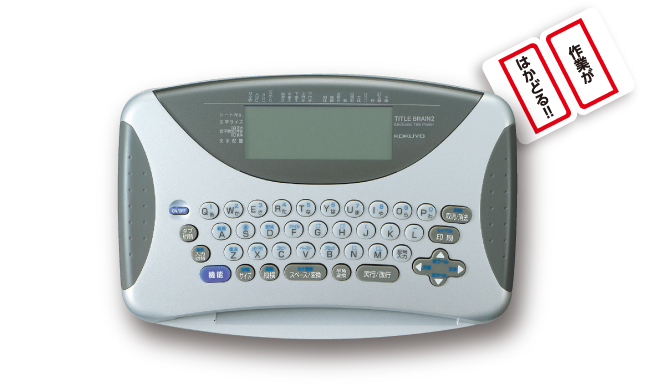
Title Brain 2 (electronic title printer) introduction video
What is Title Brain?

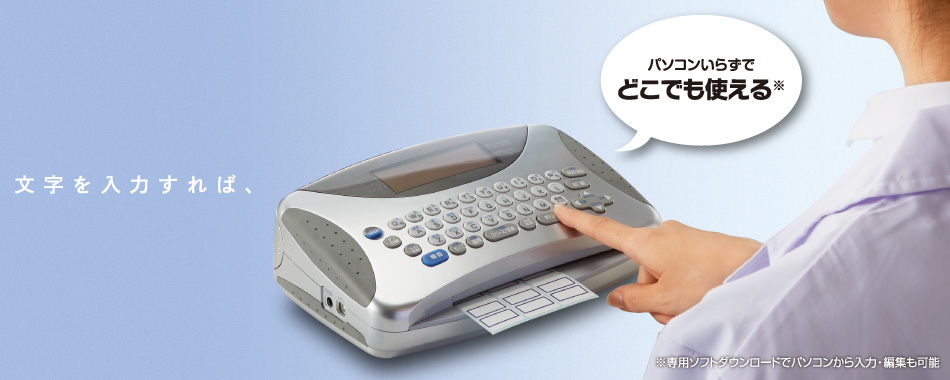
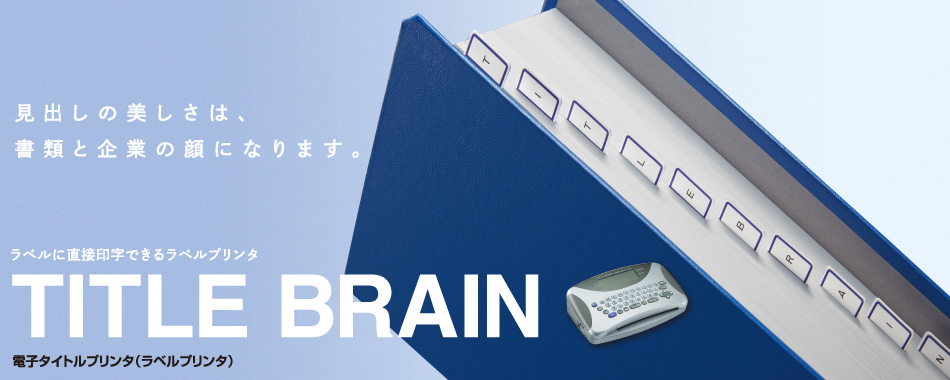
The title brain is a label printer that can print directly on labels.
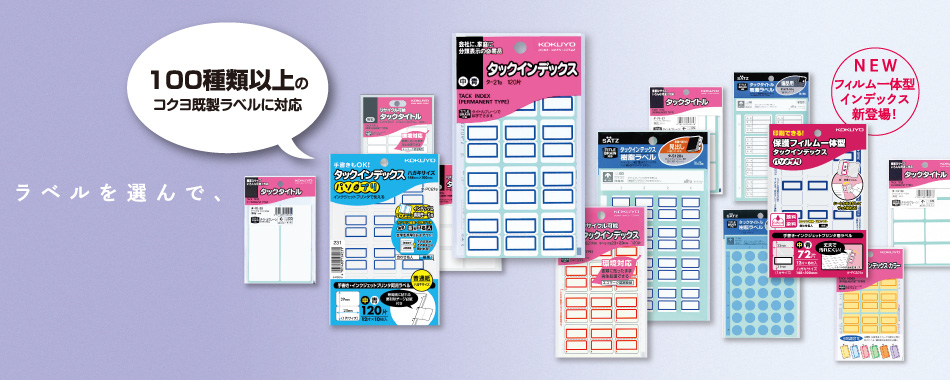
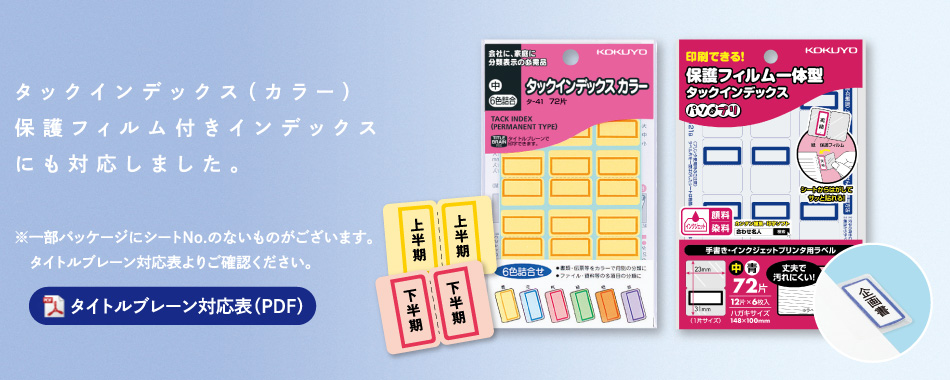
It supports more than 100 types of Kokuyo's ready-made labels, such as indexes.
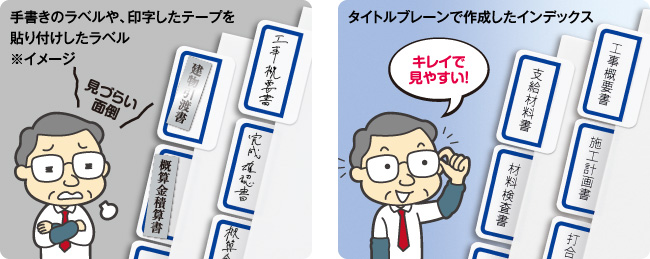
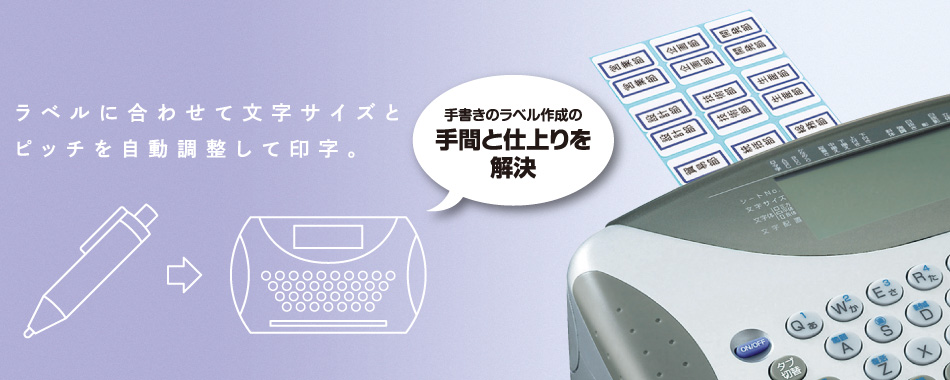
Unlike printing on tape, etc., it can be printed directly on the label, making it easy to create beautiful labels.

A large amount of documents to be submitted to clients or submitted for review,
handwritten labels or labels with printed tape are time-consuming and
it may look bad and give a bad impression to your company.