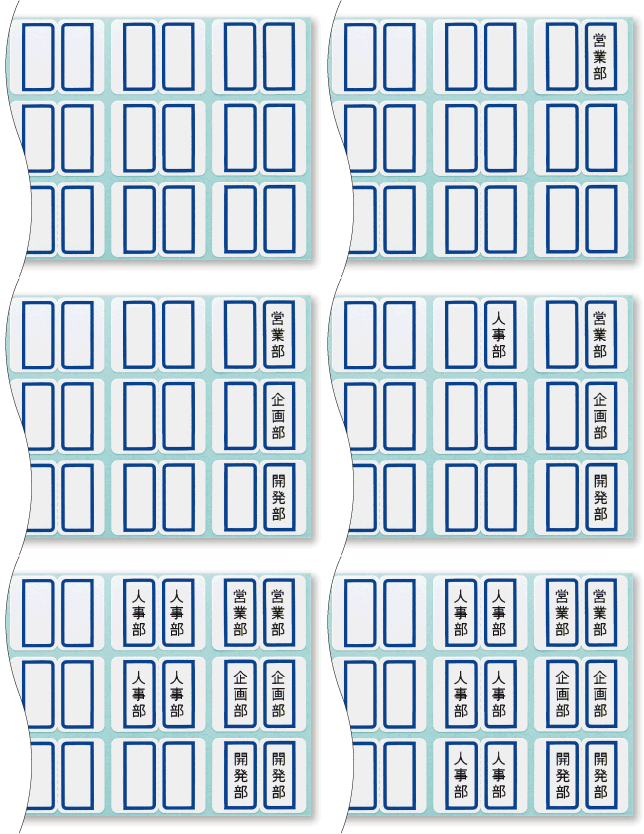
Recommended for mass production!!

If the content is the same on both sides, you can print both sides by entering only the information for one side.
*You can also set different content for the front and back.

Equipped with a label editing function that allows you to input multiple labels at once. You can specify the number of labels to print for each label, so you can quickly print many labels with the same content.

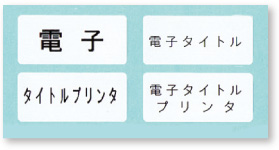
The character size and pitch are automatically adjusted to match the label dimensions, and the characters are printed automatically aligned top, bottom, left, and right.
*You can also specify the font size.
*The number of characters that can be printed varies depending on the type of label.

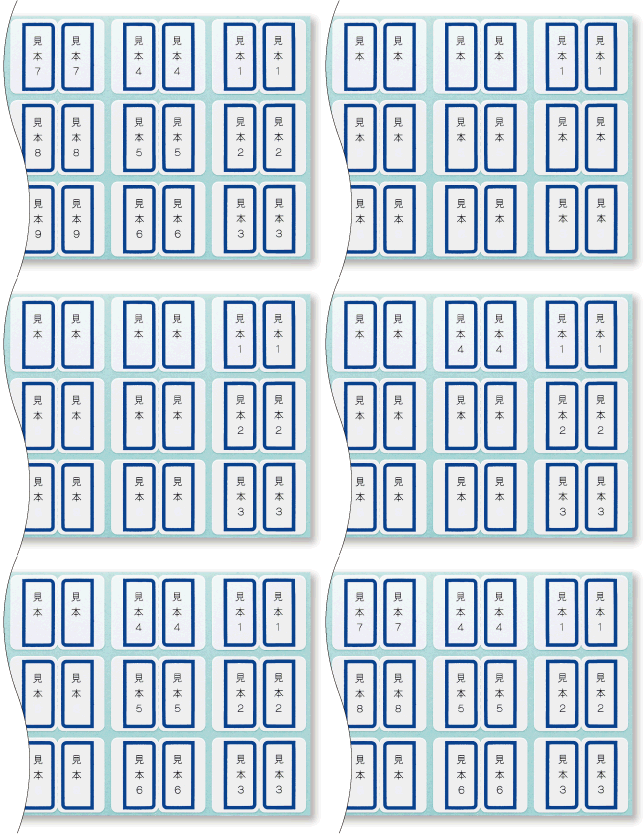
Up to two consecutive digits can be automatically entered and printed. You can freely set it in combination with characters other than consecutive numbers.

You can register labels that you use frequently.
The number of characters that can be registered,
the total is approximately 2,000 characters.

A learning function that converts previously used characters,
and word registration, etc.
the dictionary function is excellent.
If you connect it to a computer, you can also read Excel data!
CSV and XLS format files can be read.
Connect it to your computer with a USB cable and install the included dedicated application software.
You can use it to input and edit on your computer.
<Computer screen with application software>
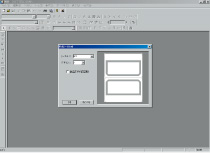
Sheet number input screen
Set the label type (sheet number).
A preview of the label you will create
will be displayed.
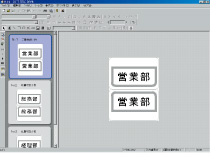
Input/edit screen
You can edit the label
by using various functions
like change or modify typeface of entered characters.
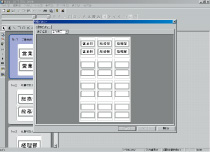
You can check the print preview
and the print layout.
*Data can only be imported in CSV and XLS format. Other files cannot be imported.
* Only text information can be read.
*Processing speed may slow down depending on the amount of data loaded.
*Please note the following points when importing XLS format files.
・Microsoft Excel 5.0 or later is required to read the data.
・Data that can be read is from files created in Excel 5.0/7.0/95/97/2000/2002/2003/2007/2010/2013.
・Do not use single quotation marks (') in the sheet name. This will prevent the data from being read.
・Data is recognized from the second line. The first line contains the column titles.
However, if the first row contains numeric data, the column titles will be displayed as F1, F2, etc.
・Dates, currency displays, functions, etc. specified in Excel will not be loaded.
・Please use data in which cell attributes are entered as text in Excel.
*Microsoft and Windows are registered trademarks or trademarks of Microsoft Corporation in the United States and/or other countries.
All other company names and products names mentioned are trademarks or registered trademarks of their respective companies.
*Download the application software here
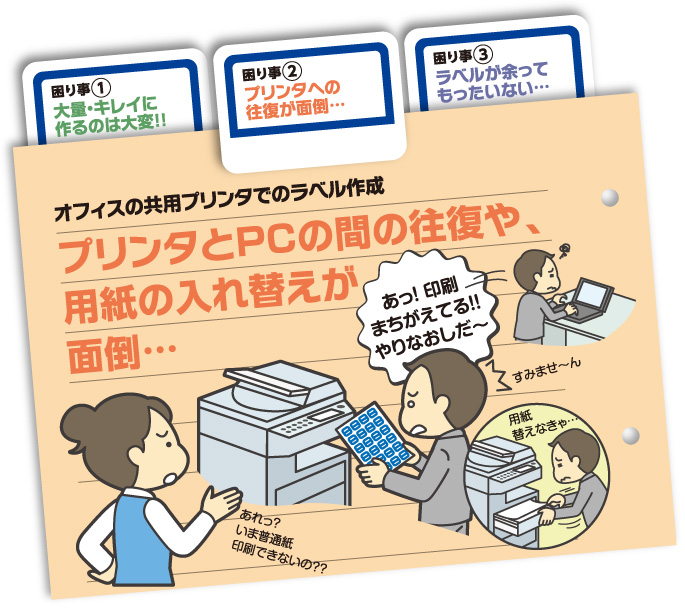
No printer or PC required, can be used anywhere!!

With Title Brain, you can complete the entire process from input to printing
with just this one device.
You don't need a printer or PC.
* By downloading a dedicated software,input and editing are also possible
on computer.
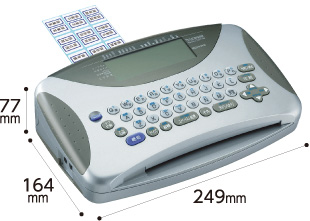
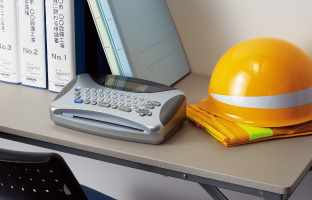
It can also be used in temporary offices and other environments
with fewer printers.
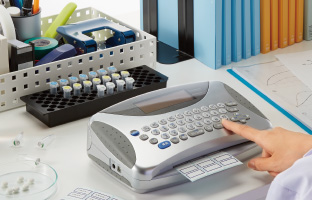
Space-saving and
you can create labels around your desk.

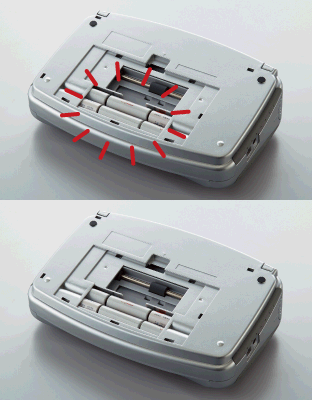
In addition to the dedicated AC adapter,
it can also be used with six AA alkaline batteries.
Construction sites, warehouses, archives, etc.
it can be used in places where it is difficult to secure power.
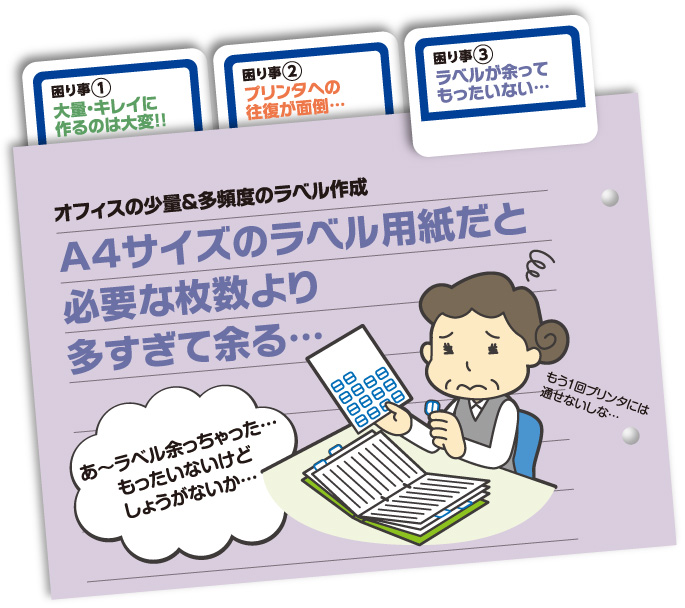
Even small amounts of printing are fine! Create labels without waste!

You can print as many sheets as you want, even in small quantities. You can specify the start position of printing,
and printing can be skipped over areas without labels, so you can easily print on half-used label sheets or
even if some of the sheet has peeled off, it can be reused without waste.

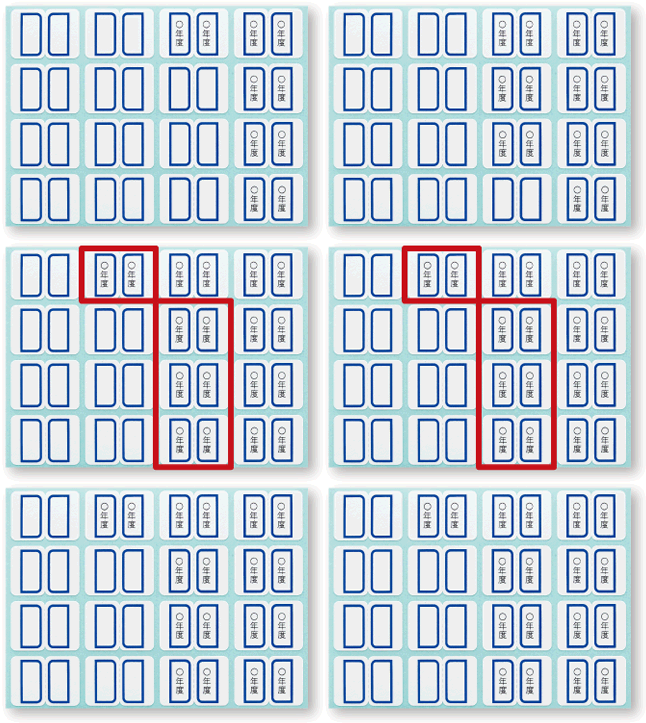
Continue printing
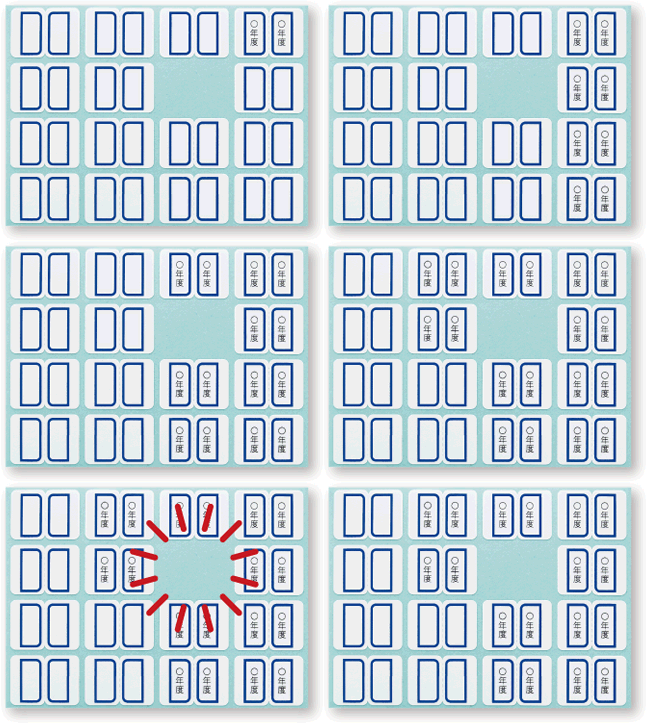
Skip Print